

EdgeStore v1 is here
File uploads for your app just got better.
EdgeStore v1 is now available. And I’m very proud of this one!
Many improvements are dropping for both the open-source packages and the hosted storage provider:
- New REST API and SDK
- Better tools for agentic coding (CLI/MCP/Skills)
- More flexible access control logic
- Updated and new upload sample components
- Expanded support for external providers
- Mobile support for the dashboard
- Standard Schema support (not just Zod)
- Batch file operations
- Upload transforms
- A few performance improvements
REST API and standalone SDK
EdgeStore's new v2 API allows you to do most of the things you can do through the dashboard. You can create automations and, more importantly, it gives a good foundation to the other tools, which are super important for this new era of agentic development.
For example, you can create a project from a server-side script using the SDK:
import { createEdgeStoreSdk } from '@edgestore/sdk';

const sdk = createEdgeStoreSdk({
  credentials: {
    token: process.env.EDGESTORE_MANAGEMENT_TOKEN!,
  },
});

const { project } = await sdk.management.projects.create({
  account: process.env.EDGESTORE_ACCOUNT_ID!,
  name: 'My new app',
});

console.log(project.id);
The API is divided into two parts, runtime and management.
runtime- Works with the keys already configured in your app, scoped to their project.
- Can be used for actions like managing files, listing buckets, and generating signed URLs.
management- Needs a user or account-level management token.
- Can be used for actions that could only be done through the dashboard, like managing projects, buckets, keys, members, and more, within the token's permissions.
Keep project secrets and management tokens on the server.
See the SDK guide for more.
CLI, MCP, and coding agent integrations
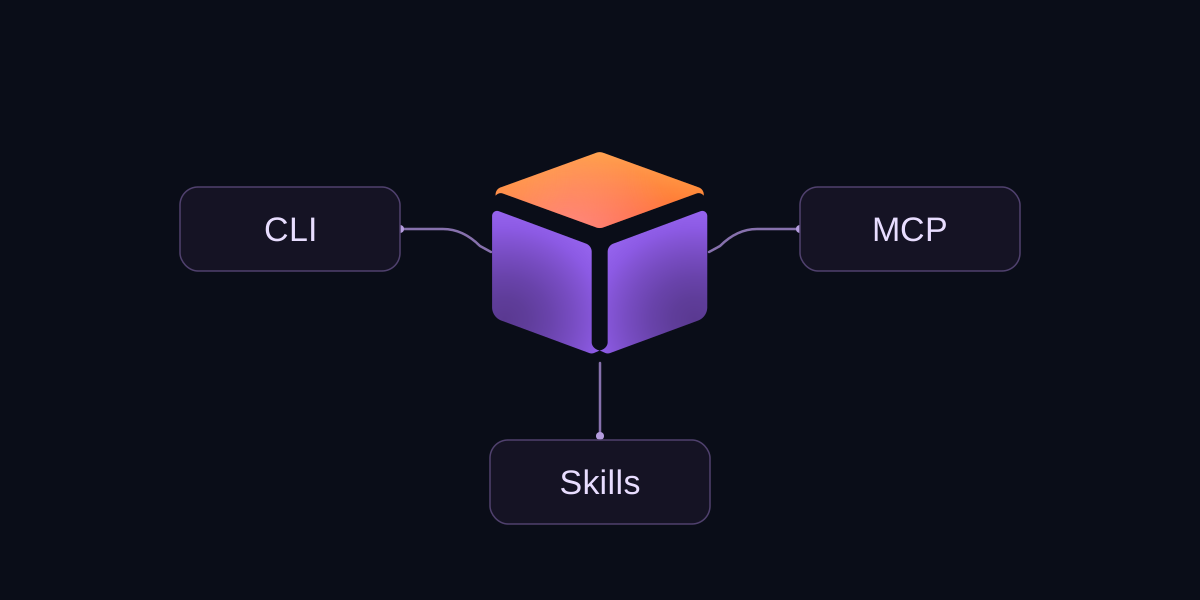
The new CLI, MCP, skills, and plugins give you all you need to use your AI subscription to integrate and improve file uploads in your app.
npm install --global @edgestore/cli@latest
edgestore login
edgestore init
You can also use the CLI to set up the agent integration:
edgestore agent setup --client codexSee the agent setup guide for more.
Improved access control (private files)
There were two main improvements to access control for private files on EdgeStore.
The first was cookie-based access control. Originally, it wouldn't work on browsers that blocked third-party cookies by default. Now with partitioned cookies (CHIPS) we can work around this issue in browsers that support them.
The other improvement was adding signed URLs. Now apps can add their own custom logic to give access to a file.
The access control configuration is recommended when all the information needed to give access is in the user's context and the file path. The access control check on the file origin doesn't need any DB queries, so it is very performant.
Signed URLs are recommended when you need more dynamic or custom logic that queries your DB to decide if the user can access the file. Check permissions in your backend before generating a signed URL. Anyone with the link can use it until it expires.
See the access control configuration and signed URL guide for more.
Updated upload components
The existing example components were improved, and new ones were added:
Profile photo
PNG, JPG, WEBP or GIF, at least 128×128px, up to 2 MB
See the component setup guide to add them to your app.
Expanded external provider support
In case you didn't know, the EdgeStore package can also be used with your own storage, like S3-compatible providers or Azure.
In this new version the support was greatly improved. Now you can also use the backend client with external providers. Multipart uploads for S3 and block uploads for Azure were also added for large files.
Examples of how to connect to other S3-compatible providers like Cloudflare R2, Backblaze B2, DigitalOcean Spaces, Google Cloud Storage, Tigris, Supabase Storage, and MinIO were also added to the docs.
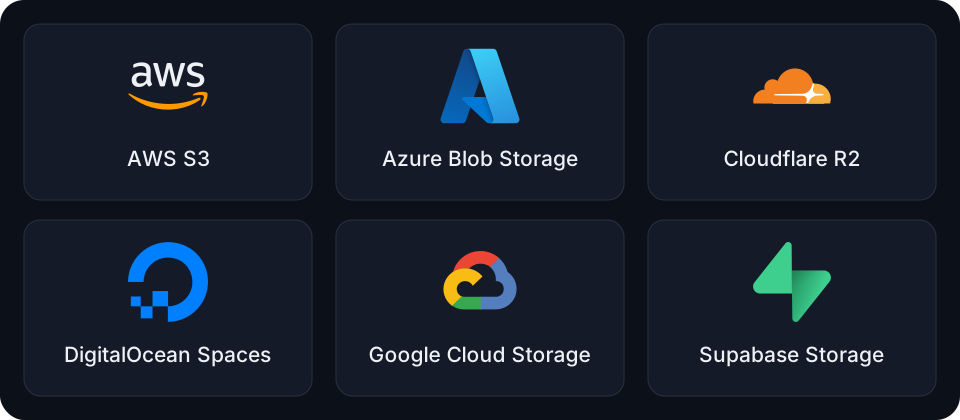
See the S3-compatible services guide and Azure guide for setup and provider differences.
Standard Schema support
Until now we had to use Zod for the bucket input schemas. Now we can use any Standard Schema-compatible object schema, like Zod, Valibot, and ArkType.
See the input schema configuration for more.
Mobile support for the dashboard app
With the recent AI apps we are now able to basically do the whole app development flow from our phones. So I felt that being able to control the whole dashboard from a phone is getting very important.
Now the EdgeStore dashboard UI supports mobile a lot better. And it's also a PWA, so you can add it to your home screen and make it feel like a regular app.
Other improvements
Cookie initialization only runs when needed for access control, reducing HTTP requests for apps that don't use it.
Batch methods were added to the browser and backend clients:
- Browser client:
deleteManyandconfirmMany. - Backend client:
deleteMany,confirmMany,restoreMany, andcreateSignedUrls, where supported by the provider.
Emptying a bucket now runs asynchronously in the background, making it more reliable for large buckets and allowing you to see progress while the files are being deleted.
Upload transforms let you resize or convert files before uploading them. They also work in backend uploads. Signed URLs, transforms, and the initialization improvement first shipped in v0.8 and carry forward into v1.
You can check the other improvements in the full changelog.
Migrating to v1
Just use this prompt:
Upgrade this app to EdgeStore v1. Follow the migration guide: https://edgestore.dev/docs/migrate-to-v1.md
Or check the migration guide. v1 includes breaking changes, so test uploads and private file access before deploying your upgrade.
Try it out and let me know what you think! If you find any bugs or run into issues migrating, open an issue on GitHub.